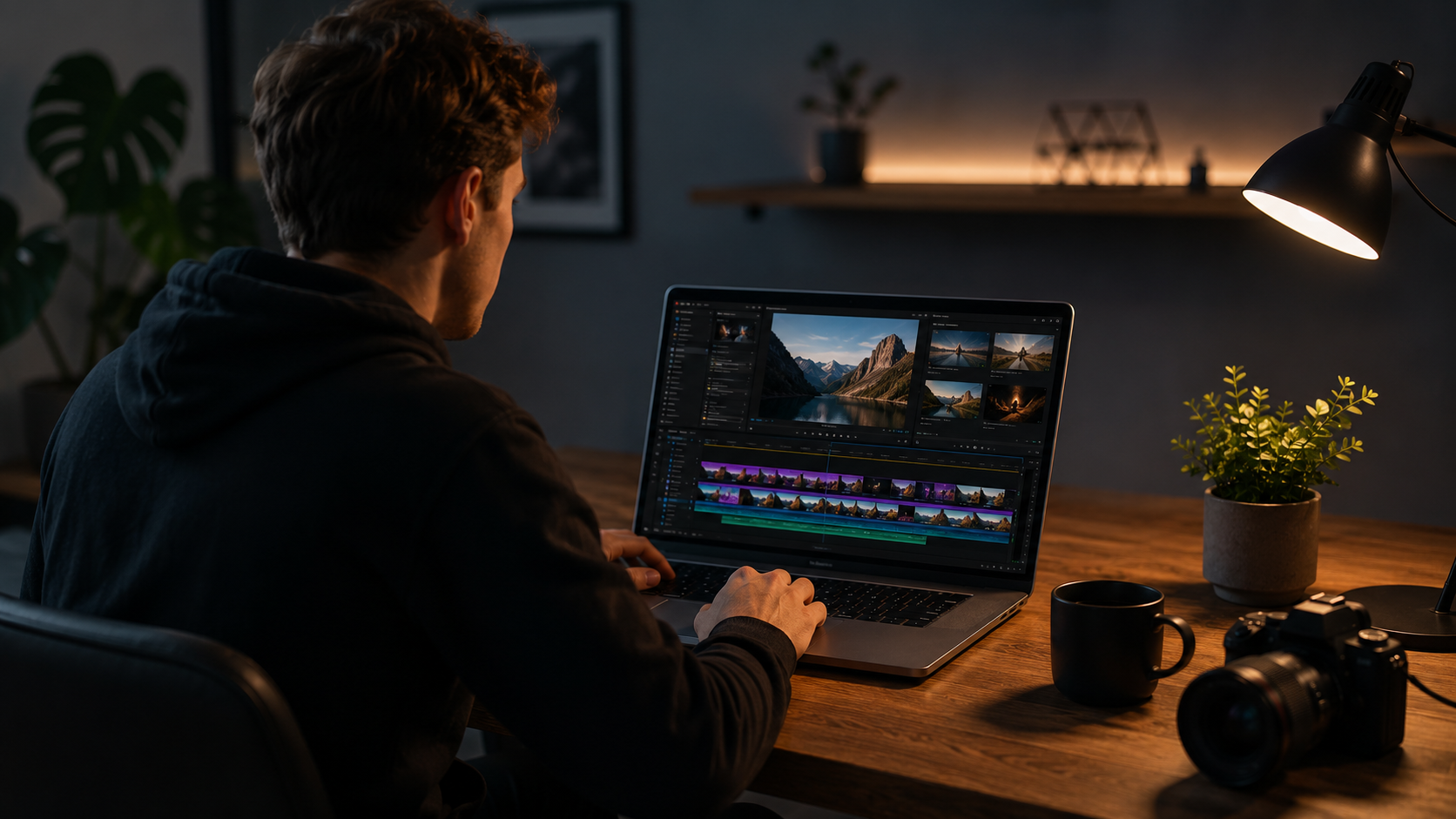
6 Best AI Video Generators for Content Creators in 2026 (Tested & Ranked)
The best AI video generator for content creators in 2026 is not just one app.
It is a small stack of tools, each one handling a different job, from vertical shorts to full cinematic B-roll.
Creators who understand this stack are producing videos that look professional without owning a camera, a studio, or a film crew.
This guide breaks down the exact tools worth using this year, what each one does best, and how to combine them.
We strongly recommend that you check out our guide on how to take advantage of AI in today’s passive income economy.
Table of Contents
Why Content Creators Need an AI Video Generator in 2026
Video content has become the main way people discover new products, ideas, and creators online.
A single well-made clip can reach more people than a week of written posts, but filming and editing take time most creators do not have.
This is exactly why the best AI video generator for content creators in 2026 has become such a valuable tool.
It replaces cameras, lighting kits, actors, and hours of editing with a few prompts and some patience.
Creators are using these tools to build faceless YouTube channels, product demos, travel content, and social ads without ever leaving their desk.
The tools below were chosen because they are actively used by real creators, not because they are the newest or flashiest names on the market.
Each one plays a different role, and knowing which tool fits which job is the real skill here.
👉 Get Access to the full Package: Start a 1-Person Business With Claude AI
1. TikTok Symphony — Best Free AI Video Generator for Vertical Shorts and Avatars
TikTok Symphony is one of the strongest free options when you need fast, vertical content built for TikTok, Reels, and Shorts.
The platform is designed around short attention spans, so everything about it favors speed and simplicity.
You sign in with your TikTok or Google account, then head straight into the video generation section to get started.
For a rough first draft, text-to-video works fine, but the stronger method is to start with an image.
Generating an image first lets you approve the exact look of a scene before any motion is added to it.
If one small detail looks off, you can edit just that part instead of restarting the entire generation from scratch.
Once the image is approved, sending it into video generation gives the model a clear, fixed starting point.
Symphony also includes a voice-over avatar feature, letting you pick a presenter, write a script, and adjust accent, age, and speaking speed.
This makes it a genuinely useful and free AI video generator for content creators who post daily short-form videos.
👉Free download : Start a 1-Person Business With Claude AI — Free Quick-Start Guide
2. HeyGen — Best AI Video Generator for Horizontal Videos With a Controlled Base Image
HeyGen is built for a different kind of content than Symphony, focusing more on horizontal, landscape-style videos.
Signing in with an email code is usually the fastest way in, without needing to create a separate password.
The key habit here is choosing your image format before touching the video model at all.
A horizontal video should start from a horizontal image, and a vertical video should start from a vertical one.
This one decision avoids the awkward cropping and stretched compositions that ruin a lot of AI-generated clips.
After the base image is approved, the video model animates it, and a prompt enhancer can expand a simple idea into clearer camera direction.
If the motion looks weak, the fix is usually adjusting the motion prompt, not regenerating the whole clip again.
If the subject or composition itself is wrong, the smarter move is going back one step to fix the image, not the video.
That single habit alone can save creators dozens of wasted generations every week.
3. Runway ML — Best for Testing Shots and Compositions Before Committing
Runway ML is a well-known name in AI video, and it remains one of the better places to test a scene before finalizing it.
It is especially useful for exploring different compositions, framing options, and quick visual drafts.
Many creators use it as an idea lab, testing multiple versions of a shot before deciding which direction to commit to.
Once a scene idea is locked in, some creators move to a more specialized tool for the final cinematic pass.
This is a normal part of the workflow, since no single platform is built to be the best at every stage of video creation.
Treating Runway as your testing ground, rather than your final output tool, tends to save both time and generation credits.
That mindset shift is part of what separates creators who look professional from creators who look like they are still experimenting.
4. Higgsfield — Best All-in-One AI Video Generator for Full YouTube Videos
Higgsfield stands out because it is not just one feature, it is an entire production pipeline inside a single platform.
Instead of switching between five different apps, creators can generate images, animate them, edit footage, clone their voice, and plan content all in one place.
Image and Video Generation Inside Higgsfield
Inside the image section, models like GPT Image can generate several high-resolution options from a single prompt.
Once an image is approved, it can be animated directly using Higgsfield’s video models to add camera movement, scene changes, and even sound.
This same workflow works for almost any content niche, including travel, food, history, and fitness content.
The realistic physics and lighting in these clips are a big part of why they do not look obviously artificial.
Background Swaps and Voice Cloning
One of the more advanced features lets creators replace their entire filming background while keeping their real face and performance locked in place.
A single clean frame from a talking video becomes the base, and a new environment is generated and relit around the creator.
The audio tools go a step further, allowing a voice clone to be built from a few clean minutes of existing recordings.
This means a forgotten line or a missing call-to-action can be added later without setting up a microphone again.
👉Free download : The Claude AI Digital Product Starter Pack — 10 Done-For-You Prompts for Beginners
The Supercomputer Agent
Higgsfield also includes an AI agent that can be given plain-English instructions instead of manually clicking through each tool.
Creators can trigger specific skills with simple commands, covering everything from cinematic shots to full video montages.
There is also a research feature that studies a chosen YouTube channel and reports back on what content and titles are performing best.
This turns the platform from a generator into more of a full production assistant for serious content creators.
5. Google Vids With VO3.1 — Best for Final Polish and Timeline Editing
Google Vids is not usually the first stop, but it earns its place once a scene already has a strong image and idea behind it.
Access to VO3.1 inside Google Vids has been rolling out gradually, so availability can vary depending on the account.
The timeline feature is more useful than it sounds, letting creators arrange clips and actually see if the pacing works before publishing.
Image-to-video is also available here, so a strong image made elsewhere can be brought in and animated directly inside Google Vids.
If no image exists yet, Google’s Nano Banana model can generate one, which then feeds into VO3.1 for animation.
Adding stock footage, text, and transitions around the AI clips helps the final video feel edited, not just generated.
6. Nano Banana and GPT Image — Best AI Image Models to Pair With Any Video Generator
Both Nano Banana and GPT Image have become popular choices for creating the base images that many AI video tools rely on.
Starting with a strong, approved image before animating anything is one of the most consistent habits among creators making high-quality AI content in 2026.
This single step avoids most of the strange faces, warped hands, and inconsistent details that make older AI video look obviously fake.
Pairing a strong image model with any of the video tools above is often the real secret behind polished AI content.
👉Get Access to : The AI Blog Monetization Quickstart Guide
How to Choose the Best AI Video Generator for Content Creators in 2026
The right choice depends entirely on the type of content being made and the format it needs to end up in.
Vertical, fast-turnaround content usually fits best with TikTok Symphony because of its speed and built-in avatar tools.
Horizontal or landscape content tends to work better with HeyGen because of its stronger control over aspect ratio and framing.
Full-length YouTube videos, especially ones needing consistent B-roll, editing, and voice work, are where Higgsfield becomes the strongest all-in-one option.
Creators chasing the newest cinematic quality for a single hero shot often turn to Google Vids once VO3.1 is available on their account.
Testing a rough idea before committing resources is where Runway ML still earns its spot in the workflow.
Most experienced creators do not rely on just one tool, they combine two or three depending on the project.
Turning AI Video Skills Into an Income Stream
Learning to use the best AI video generator for content creators in 2026 is only half the opportunity here.
The other half is turning that skill into an actual income stream through content, products, or services for other creators.
Many people are now packaging their AI video and content workflows into guides, prompt packs, and digital products they sell online.
If you want a structured starting point, Start a 1-Person Business With Claude AI — Free Quick-Start Guide walks through building an income system around AI tools like these.
For creators who already have an audience or a blog, The AI Blog Monetization Quickstart Guide breaks down how to turn that traffic into consistent income.
And if prompt writing feels like the harder part of this process, The Claude AI Digital Product Starter Pack — 10 Done-For-You Prompts for Beginners removes that guesswork entirely.
These resources were built specifically for creators experimenting with AI tools who want a clearer path from skill to income.
Final Thoughts
The best AI video generator for content creators in 2026 is really a combination of tools, not a single app doing everything.
TikTok Symphony, HeyGen, Runway ML, Higgsfield, Google Vids, and strong image models like Nano Banana and GPT Image each solve a different part of the process.
Creators who understand which tool fits which job are consistently producing content that looks far more polished than random single-prompt generations.
Start with one tool, get comfortable with the image-first workflow, then slowly add the others as your content needs grow.
👉 Get Access to the full Package: Start a 1-Person Business With Claude AI
👉Free download : Start a 1-Person Business With Claude AI — Free Quick-Start Guide
We strongly recommend that you check out our guide on how to take advantage of AI in today’s passive income economy.