How to Sell a PDF Guide Online in 5 Easy Steps (No Website Needed)
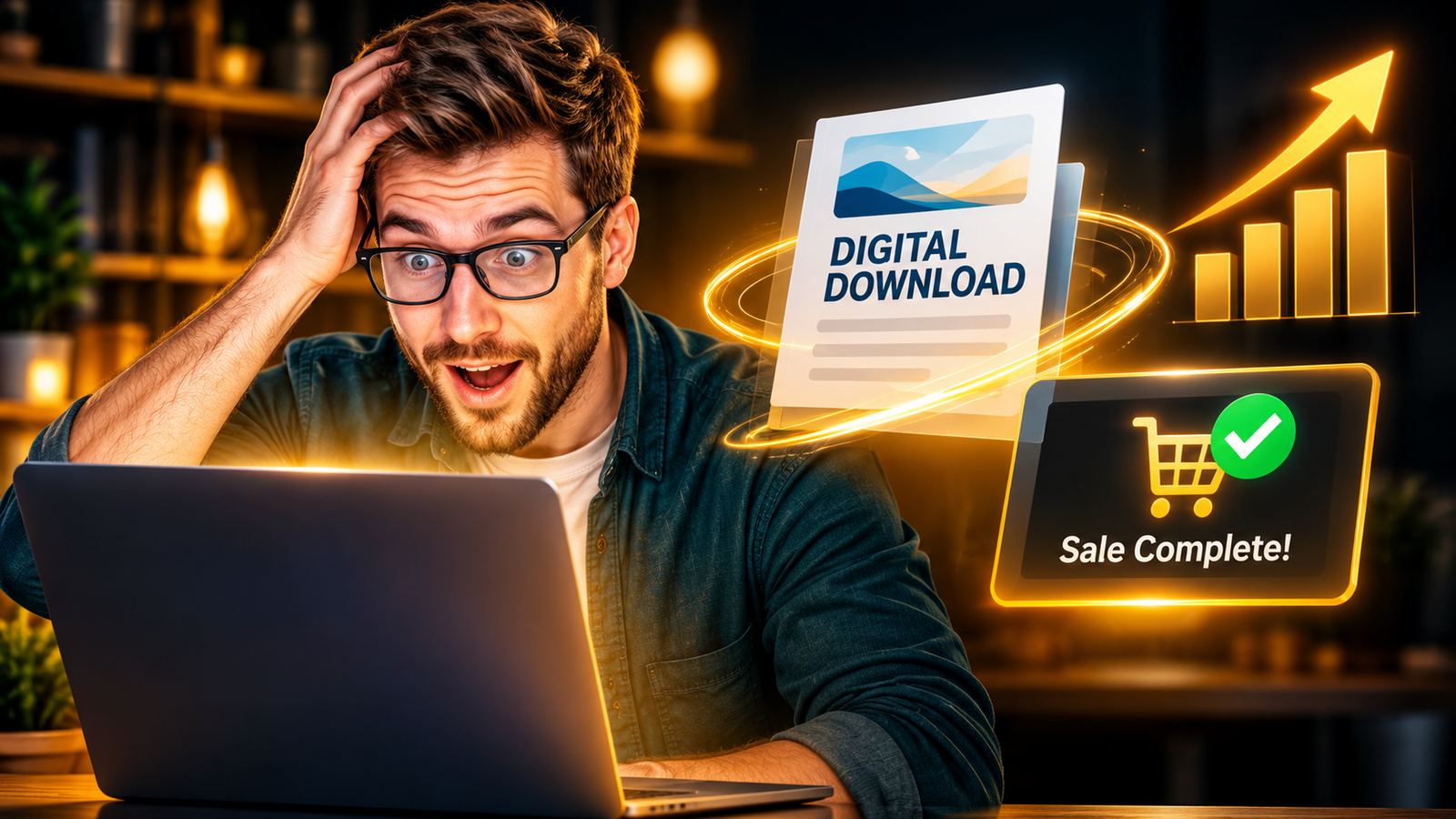
You can sell a digital download without a website in four easy steps.
First, pick a problem that people want solved.
Second, build a simple PDF guide in Canva.
Third, upload it to a store like Gumroad or Payhip.
Fourth, share your link on YouTube, Pinterest, and Flipboard.
The store hosts your page and takes the payment for you.
You do not need code, a domain, or a big budget.
A first draft can be ready in one weekend.
A good product still needs steady visitors, and this simple kit shows you how to bring them in every day.
👉Get Access to : The Flipboard Traffic Workflow Kit
Table of Contents
Why You Do Not Need a Website to Start
Why You Can Skip the Website
Many beginners believe they must build a full website before they can earn a single dollar.
That belief stops thousands of good ideas before they ever reach a buyer.
The truth is much simpler, and it can save you weeks of stress.
Stores like Gumroad and Payhip hand you a ready-made product page the moment you sign up.
Picture a clean white page with your cover image sitting on the left side.
On the right sit your title, your price, and a bright button that says buy.
When you sell a digital download without a website, the quality of your idea matters far more than the tech.
Your job is to make something useful and then show it to the right people.
What Counts as a Digital Download
A digital download is any file that a buyer can save to their device after paying.
The most common types are PDF guides, planners, checklists, and workbooks.
Templates for Canva, Notion, or spreadsheets also sell well.
Some people sell prompt packs, recipe cards, or printable study sheets.
For a first try, a PDF guide is the safest choice because it is simple to make.
You do not need special skills or fancy software to create one.
You only need a clear idea, a computer, and a little patience.
Pick the format that matches how your reader will use the help.
What a Hosted Product Page Really Does
Here is what these stores quietly do for you in the background.
They keep your PDF file safe on their own servers.
They collect card payments at checkout, so you never have to build a payment form.
They send the file to the buyer by email right after the sale.
Etsy works too, because it lets sellers list digital files inside its busy marketplace.
The trade-off is that Etsy controls the store look and the search rankings.
A direct page on Gumroad or Payhip feels more like your own little brand.
That is why many beginners pick one of those two when they want to sell a digital download without a website.
What It Costs You
Money matters, so let us look at the fees before you pick a store.
Gumroad takes 10% plus $0.50 on each direct sale, and a flat 30% on sales that come through its Discover marketplace.
Payhip has a free plan with no monthly cost that takes 5% of each sale.
Card processing fees from Stripe or PayPal come on top of that, on every plan.
Prices change, so always check each pricing page before you choose.
Neither store asks for a monthly bill just to get started on these plans.
That means you can test your idea with very little risk.
It is one of the easiest ways to sell a digital download without a website while you learn the ropes.
Want a full plan for running a small business with AI as your helper?
👉 Get Access to the full Package: Start a 1-Person Business With Claude AI
Step One: Pick a Problem That Hurts
Why Feelings Sell Better Than Facts
Nobody pays for a guide on a random topic they do not care about.
People pay when a problem keeps them up at night.
Think of a new mom who just became a single parent.
She feels tired, scared, and short on money all at the same time.
A clear guide that helps her plan her first-year budget feels like a lifeline.
She will pay for it quickly because the pain is real.
This is the heart of how to sell a digital download without a website.
Start with a feeling, and then build the whole guide around it.
Where to Find Real Problems
You can find real problems for free.
Read the questions people ask on Reddit and Quora in your favorite topic.
Open Google Trends and type in a few ideas to see which ones are rising.
Try AnswerThePublic to see the exact questions people type into search boxes.
Scroll through YouTube comments and note what viewers beg for help with.
Keep a list of the words people use, because you will reuse them later.
Those exact words will help you sell a digital download without a website.
Aim for ten problems before you choose just one.
Check That People Will Pay
Now test each idea before you spend a whole weekend on it.
Search the idea on Etsy, Gumroad, and Google.
If other sellers already offer similar guides, that is a good sign.
It means buyers already exist and are spending money.
If nothing shows up at all, be careful, because nobody may want it.
Read the reviews to see what buyers love and what they feel is missing.
Then plan a guide that fixes those gaps and helps you sell a digital download without a website.
Small, clear promises beat big, vague promises every single time.
Narrow It Down to One Person
Next, narrow your idea until it fits one type of reader.
A guide for everyone is really a guide for no one.
Instead of a broad idea like saving money, try a first-year budget plan for new single parents.
Write one sentence that names the reader, the problem, and the result.
Say it out loud to a friend and watch their face.
If they say, “I need that,” you have found something good.
That one sentence will guide every step as you sell a digital download without a website.
Blog posts that answer the same problem can also bring in readers who are ready to buy.
👉Get Access to : The AI Blog Monetization Quickstart Guide
Step Two: Build the Download in Canva
Pick a Simple Format
A PDF is the easiest format for a first product.
Every phone and computer can open one without extra apps.
Aim for a short guide, such as ten to twenty pages.
Short guides are easier for you to finish and easier for readers to use.
Give each page one clear job, like a checklist, a worksheet, or a mini lesson.
Buyers want a quick win, not a heavy book they will never open.
A tight guide is the best way to sell a digital download without a website for the first time.
Finish it, even if it is not perfect yet.
Plan the Pages Inside
Before you design anything, plan the pages like a short road map.
Page one is a warm welcome that says who the guide is for.
Page two shows a simple map of the steps the reader will take.
The middle pages teach one step at a time, with a short example.
Add a checklist page after every two or three lessons.
Near the end, include a one-page action plan the reader can finish in a day.
The final page thanks the reader and points to your next product or channel.
This layout keeps readers moving and gives them a real sense of progress.
Design a Cover That Speaks
Your cover is your best salesperson.
Open Canva and choose a tall document size.
Picture a soft cream background with a bold, dark title across the top.
Under the title, add a small line that names your reader, like new single parents.
At the bottom, place a clean mockup of the guide resting on a tidy wooden desk.
Use only two fonts and two colors so the design stays easy on the eyes.
A clear cover makes it easier to sell a digital download without a website because buyers trust what they can see.
Canva’s free plan is enough to export a clean PDF.
Fill the Pages With Real Help
Now fill the inside pages with simple, useful words.
Start with a one-page welcome that tells the reader what they will get.
Add short steps, easy checklists, and blank spaces where readers can write.
Keep your words plain, like you are talking to a friend over coffee.
An AI assistant like Claude can help you outline chapters and tidy your drafts.
Always read every line yourself and add your own real examples.
That personal touch is what lets you sell a digital download without a website and still feel trusted.
When you are happy with it, click Share, then Download, and pick PDF.
Step Three: Put It on a Storefront Page
Create Your Listing
Create a free account on Gumroad or Payhip.
Click the button to add a new product.
Upload your PDF file and your cover image.
Type a clear title that names the problem and the result.
Write a short description in the same words your readers use.
Add three or four bullet points that show what is inside.
This is the moment you sell a digital download without a website for real.
Take your time here, because this page does the selling while you sleep.
Make the Page Look Trusted
Picture your product page on a phone screen.
The cover image sits at the top, big and clear.
Right below it sit a bold title and the price in a bright color.
Next comes a short story about the problem, written in plain words.
Then three small bullets list what is inside the guide.
A friendly line near the bottom says how to get help if something goes wrong.
Most shoppers browse on their phones, so keep the layout short and simple.
If it reads well on a small screen, it will read well everywhere.
Choose a Fair Price
Now choose a fair price for your guide.
Many beginners start low, around the cost of a simple lunch.
A low price lowers fear and can bring your first sales faster.
Remember that fixed per-sale fees take a much bigger bite out of very cheap products.
Add a preview image of two inside pages so buyers can take a peek.
Write a short promise near the top of the page.
Add a friendly line about how to reach you if the file does not open.
Clear pages make people feel safe to click the buy button.
Test Before You Share
Before you share anything, buy your own product once.
Use a small discount code if your store allows it.
Watch the email arrive and open the file on your phone.
Check that every link inside the PDF works.
Fix any typo, blurry image, or broken button you find.
Ask one friend to try the checkout and tell you how it felt.
A smooth test helps you sell a digital download without a website and avoid nasty surprises.
Then hit publish and copy your product link.
Step Four: Get Your First Buyers
Start With a Helpful Video
A page with no visitors makes no sales.
So now you need traffic.
YouTube is a strong place to start.
Videos can keep getting views for months, which means they keep working for you.
Make a short video that solves a small part of the problem.
At the end, tell viewers the full guide is in the description.
Put your link in the description and pin a comment with it too.
That simple habit is how many creators sell a digital download without a website from a single video.
Use Pinterest for Search Traffic
Pinterest works like a search engine for ideas.
People go there to plan, learn, and shop.
Pins link straight to your product page.
Use a tall image, around 1000 by 1500 pixels.
Picture a bold headline over a calm background with your cover in the corner.
Write a pin title that uses the words your buyers type.
Make a few pins with different headlines for the same product.
Then see which pin gets saved and clicked the most.
Add Blog Posts and Medium Articles
Written posts bring a different kind of buyer.
A reader who finds your article through search is already looking for help.
Write one short post that answers a single question from your list.
Place a soft mention of your guide near the end.
Medium is a free place to publish, and it can show your work to new readers.
You can also post the same ideas on your own blog later.
Each article is another door that leads back to your one product link.
Over time, these doors add up to steady visits.
Why Steady Traffic Wins
Here is the big lesson for any online business.
A storefront page has no built-in crowd.
Without a website, no search engine sends visitors on its own.
That makes steady traffic your most important daily job.
Flipboard helps because readers there collect articles into magazines and click through to read more.
A repeatable routine matters far more than one lucky post.
The Flipboard Traffic Workflow Kit gives you that routine in clear steps, so you can sell a digital download without a website without chasing the next trend.
Small daily actions build a flow of readers who keep coming back.
Want the full system across Medium, Bing, and Flipboard in one place?
👉Get Access to : The AI Traffic Vault
Team Up With Smaller Creators
Another way to grow is to partner with creators.
Gumroad and Payhip both offer tools to pay affiliates a share of each sale.
You can offer a creator a fair cut, such as half of every sale.
They pay nothing up front, and you pay only when a sale happens.
Smaller YouTubers often like this deal because they want to earn from their work.
Pick channels where your guide fits their audience like a glove.
A guide on budgets for single parents belongs with parenting channels, not gaming channels.
This teamwork can help you sell a digital download without a website faster than posting alone.
Write a Message Creators Will Answer
Your first message should feel like a note from a friend.
Use the same words that creator uses with their fans.
Say one real thing you liked about a recent video.
Explain your guide in one clear sentence.
State the deal plainly, including the share of each sale.
Skip the link in the first message so it does not look like spam.
Offer to tailor the guide to their style, and ask if they want a quick call.
Be kind if they say no, and move on to the next channel.
Mistakes That Slow New Sellers
Small Errors With Big Costs
Many first products fail for small and fixable reasons.
The topic is too wide, so no one feels it was made for them.
The cover looks dull, so people scroll right past it.
The page has no preview, so buyers cannot see the value.
The seller makes big money promises, which breaks trust.
Do not promise income or results that you cannot prove.
The honest way to sell a digital download without a website is to show what is inside and let buyers decide.
Truth wins sales and keeps refunds low.
Posting in the Wrong Places
Another mistake is dropping links in the wrong places.
Many Reddit groups ban self-promotion, so read the rules first.
Use those groups to listen and learn, not to spam your link.
Do not spread yourself across ten platforms at once.
Pick one or two channels and stick with them for a month.
Track clicks and sales so you know what works.
Most stores show you simple sales numbers in your dashboard.
Keep notes, and change only one thing at a time.
Taxes, Rules, and Fair Play
Selling online comes with a few simple rules.
Tax rules differ by country and state, so read your store’s help pages.
Some platforms handle part of the tax work, but you may still have duties.
Check with a local tax professional if you are unsure.
Use only images, fonts, and icons that your license lets you sell.
Canva marks which elements are free and which need a paid plan.
Write your own words, and never copy someone else’s guide.
Add a short refund note so buyers know what to expect.
Your First Weekend Plan
A Simple Two-Day Schedule
Here is a simple plan you can follow from start to finish.
On Friday night, pick your problem and write your one-sentence promise.
On Saturday morning, outline the guide and draft the pages.
On Saturday afternoon, design the cover and export the PDF in Canva.
On Sunday morning, build your listing and run a test purchase.
On Sunday afternoon, record one helpful video and make two pins.
That is all it takes to sell a digital download without a website for the first time.
Small steps done on time beat big plans left in your head.
Improve After You Launch
After launch, look at your numbers each week.
If people visit but do not buy, fix the page.
Try a new cover, a clearer title, or a lower price.
If nobody visits, fix your traffic.
Make more videos and pins, and share your link where it fits.
Ask early buyers what they liked and what they wished for.
Use their answers to improve the guide, and learn how to sell a digital download without a website again with version two.
Over time, one guide can grow into a small shelf of products.
Final Thoughts
You now know how to create a product and put it in front of buyers.
You pick a real problem, build a clean PDF, and list it on a simple store.
Then you send steady traffic to one link.
Do not wait for the perfect idea or the perfect tool.
The best way to sell a digital download without a website is to start small and ship it.
Your first product will teach you more than any course can.
Keep learning, keep improving, and keep your promises honest.
If you want help getting moving today, these free tools are a good place to begin.
👉Free download : Start a 1-Person Business With Claude AI — Free Quick-Start Guide
👉Free download : The Claude AI Digital Product Starter Pack — 10 Done-For-You Prompts for Beginners

We strongly recommend that you check out our guide on how to take advantage of AI in today’s passive income economy.