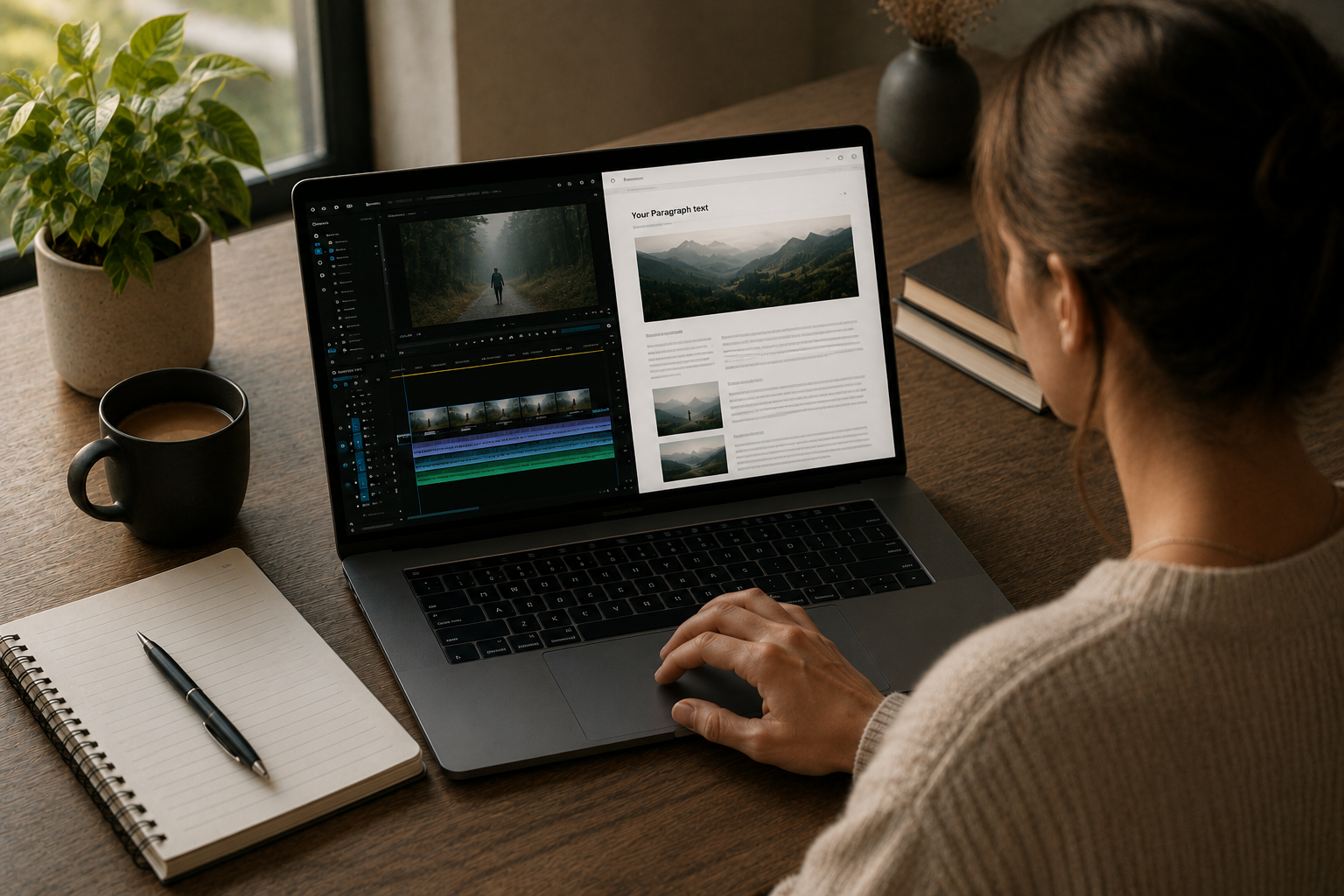
From 1 Video to 7 Blog Posts: An AI Workflow Any Creator Can Copy
You can turn one YouTube video into seven blog posts by using AI to transcribe the video, then breaking the transcript into smaller topics that each become their own post.
This method works because a single video often holds many small ideas, and each idea can stand alone as a helpful article.
In 2026, this workflow is easier than ever, and you do not need to be a professional writer to do it.
We strongly recommend that you check out our guide on how to take advantage of AI in today’s passive income economy.
Table of Contents
Why You Should Turn Your Videos Into Blog Posts
Most video creators only think about views.
But views are not the only thing that matters.
A video that gets a small number of views on YouTube can still hold valuable information.
That information does not disappear just because the video did not go viral.
This is where learning to turn your videos into blog posts becomes useful.
When you turn your videos into blog posts, you give your content a second chance to be found.
Google Search still sends a large amount of traffic to websites every single day.
So when you turn your videos into blog posts, you are placing your ideas in front of a whole new audience.
👉Free download: Start a 1-Person Business With Claude AI — Free Quick-Start Guide can help you set up simple systems like this one, even if you are just starting out.
A Website You Actually Control
One big reason creators choose to turn their videos into blog posts is control.
A YouTube channel can be affected by algorithm changes at any time.
A website is different, because you own it.
Nobody can shut it down or hide it from search results without warning.
This is why many creators now treat their blog as home base.
Your videos bring attention, but your blog post can hold that attention longer.
How the AI Workflow Works Step by Step
Turning a video into a blog post does not have to be complicated.
Here is a simple breakdown of how the process works.
Step 1: Get a Clean Transcript
The first step is turning your video into text.
Tools like Descript, Otter.ai, or YouTube’s own auto-generated captions can create a starting transcript.
This transcript becomes the raw material for your blog post.
It will not be perfect, so it usually needs some cleanup before use.
Step 2: Use AI to Organize the Ideas
Once you have a transcript, AI tools like Claude can help you sort it.
Claude can read through a long transcript and pull out the main ideas.
This is the part of the process where you start to see how one video can turn your videos into blog posts, not just one.
A ninety-minute video often contains five, six, or even seven separate topics.
Each of these topics can become its own blog post with its own title and its own audience.
👉Get Access to: The Claude AI Digital Product Starter Pack — 10 Done-For-You Prompts for Beginners gives you ready-made prompts that make this step much faster.
Step 3: Write Each Post With a Clear Structure
Every blog post needs a clear structure to read well.
This includes a strong title, short paragraphs, and simple headings.
When you turn your videos into blog posts, keep the reading level simple.
Short sentences help more people understand and stay on the page.
Avoid long paragraphs, because most readers scan blog posts instead of reading every word.
Step 4: Add Internal Links
Internal links connect one page on your site to another.
When you turn your videos into blog posts, always link back to related content.
This could be another blog post, your YouTube channel, or a product page.
Internal links help readers stay on your website longer.
They also help search engines understand how your website is organized.
Why This Method Works So Well in 2026
Search engines have changed, but they still reward useful content.
AI-generated summaries and search results now pull directly from well-structured blog posts.
This means clear formatting matters more than ever.
When you turn your videos into blog posts using short paragraphs and clear headings, you make it easier for both humans and AI systems to understand your content.
More Chances to Be Found
Each blog post is a new doorway into your website.
If you only rely on one video, you only have one doorway.
But if you turn your videos into blog posts, you might have seven doorways from a single recording.
More doorways mean more chances for someone to discover your work.
Content That Works While You Sleep
A blog post does not stop working after it is published.
It can sit on Google and slowly gather visitors for months or even years.
This is very different from a video, which usually gets most of its views in the first few days.
When you turn your videos into blog posts, you are building something that keeps working long after you hit publish.
👉Get Access to the full Package: Start a 1-Person Business With Claude AI walks you through building this kind of long-term content system.
How to Split One Video Into Seven Blog Posts
Splitting a video into seven posts is not random.
It follows a simple pattern you can repeat with almost any video.
Look for Natural Topic Shifts
Most videos naturally shift from one idea to another.
A video about starting an online business might shift from mindset, to tools, to marketing, to money.
Each shift is a signal that a new blog post could begin.
Turn Questions Into Titles
If your video answers a question at any point, that question can become a blog post title.
This works well because people often search using questions.
When you turn your videos into blog posts this way, you match what people are already typing into Google.
Keep Each Post Focused on One Idea
A common mistake is trying to fit too much into one blog post.
It is better to keep each post focused on a single idea.
This makes the post easier to write, easier to read, and easier to rank in search results.
Turning This Into a Repeatable System
The real power of this method comes from repetition.
One video done well can teach you the process.
But the goal is to build a repeatable system you can use every time you publish.
Build a Simple Content Calendar
Once you know a video can turn into several blog posts, you can plan ahead.
A simple calendar showing when each post will go live keeps you organized.
This also spreads your content out, instead of publishing everything at once.
Track What Works
Not every post will perform the same way.
Some posts may get more visits than others.
Over time, this data helps you understand which topics your audience responds to most.
👉Free download: The Claude AI Digital Product Starter Pack — 10 Done-For-You Prompts for Beginners includes prompts to help you analyze and improve future posts.
Common Mistakes to Avoid
There are a few mistakes that can slow down this process.
Copying the Video Word for Word
A blog post should not be a raw transcript.
It needs editing, structure, and formatting to read well.
When you turn your videos into blog posts, always clean up filler words and repeated phrases first.
Forgetting to Link Back to Your Channel
Every blog post should give readers a way to find your videos.
This could be a link to your channel, a playlist, or a specific video.
Without this link, you lose the chance to turn a blog reader into a video viewer.
Ignoring Simple Formatting
Long blocks of text without headings can push readers away.
Clear headings, short paragraphs, and simple language keep people reading longer.
Getting Started This Week
You do not need fancy equipment or years of writing experience to begin.
You only need one video, a transcript, and a plan to turn your videos into blog posts using AI.
Start small with just one video.
Break it into two or three posts first, then work your way up to seven as you get comfortable with the process.
👉Get Access to: The AI Blog Monetization Quickstart Guide gives you a full walkthrough for turning content like this into ongoing income.
Final Thoughts
Learning to turn your videos into blog posts is one of the simplest ways to get more value from content you have already created.
It costs very little, it takes advantage of tools already available in 2026, and it gives your ideas a longer life online.
One video, seven blog posts, and a website that keeps working for you long after the video stops trending.
👉Free download: Start a 1-Person Business With Claude AI — Free Quick-Start Guide is a great next step if you want to build this kind of system from scratch.
We strongly recommend that you check out our guide on how to take advantage of AI in today’s passive income economy.