Your RSS Feed Is Live—So Why Aren’t Your Articles Being Discovered?
A working feed can still hide your articles when it has weak excerpts, missing images, old items, or blocked crawlers, and a simple RSS feed discovery check fixes most of these problems.
Google accepts feeds as sitemap formats, but that does not promise crawling or rankings.
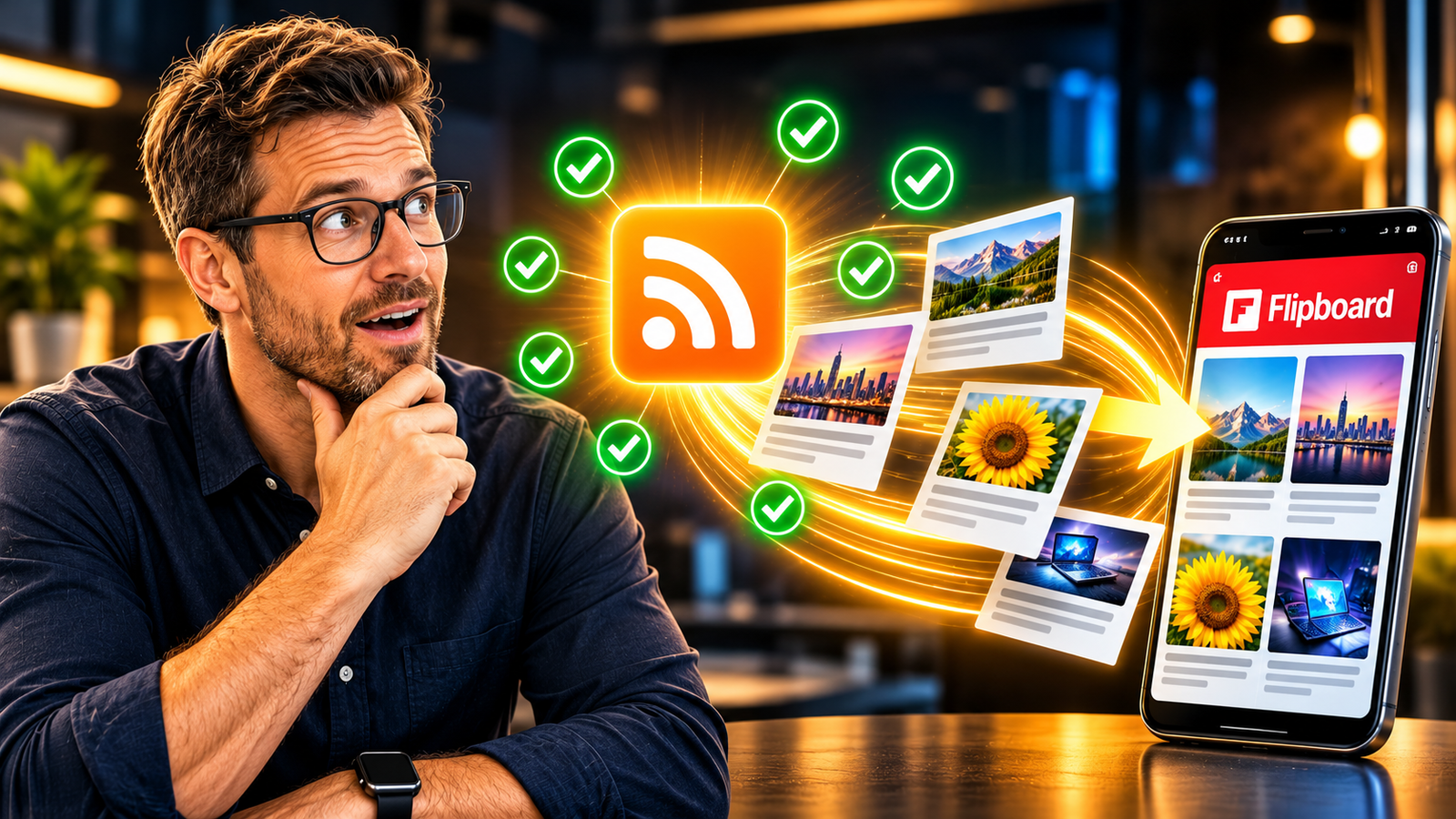
Flipboard reads publisher feeds to find articles and build short summaries.
Use the seven checks below to clean up your feed fast.
Then connect it to a Flipboard Magazine and test how your latest posts look.
You can finish the whole job in about one hour.
Think of RSS as a delivery truck for your content.
The truck leaves your website and carries your articles to other platforms.
If the truck has a flat tire, nothing arrives at the door.
Many bloggers never look at the truck.
They publish a new post, feel proud, and then wait for readers.
Weeks pass, and the traffic stays quiet, so they blame their writing.
A short RSS feed discovery check shows you whether the truck is healthy.
Most of the time, the real problem is hiding inside the feed, and a steady traffic system starts with a clean one.
👉Get Access to : The Flipboard Traffic Workflow Kit
Table of Contents
Why a Live Feed Is Only the First Step
A live feed does not mean a found article.
Your website can publish every single day and still feel invisible to the world.
The feed is the paper trail that other platforms read to learn about your work.
If that trail is messy, the platform gets confused about what you published.
A confused platform skips your post and moves on to the next publisher.
This is why an RSS feed discovery check matters so much in 2026.
It takes less than an hour to run through it.
It can save you months of silent, wasted publishing.
RSS stands for Really Simple Syndication.
It is a plain text file that lists your newest articles in a neat order.
Each item holds a title, a link, a short summary, and a date.
Feed readers such as Feedly have used this format for years to collect stories in one place.
WordPress creates a feed for you, often at your site address followed by /feed/.
That part is the easy part.
The hard part is making every item complete, clear, and ready for a stranger to read.
A good RSS feed discovery check turns a basic file into a strong one.
Picture your feed open in a browser tab.
You see rows of text with angle brackets, like a long grocery list.
Each row is one article, wrapped in tags that tell a machine what each piece means.
A healthy item has a title at the top, a link below it, and a full summary.
A weak item looks thin, with only a few words and no picture link at all.
Now imagine a platform reading hundreds of these lists every day.
It rewards the lists that are clear, full, and fresh.
Your job is to make your list the easiest one to read.
The 7-Point RSS Discovery Check, Explained
Points 1 to 3: Feed URL, Headlines, and Excerpts
Start with the feed URL.
Open it in a private browser window where you are not logged in.
If it asks for a password, platforms cannot read it either.
Also check that the page loads without errors or blank screens.
The free W3C Feed Validation Service can scan your address and point out mistakes.
Fix every error it reports before you move on to anything else.
This first step of your RSS feed discovery check is simple, but it is powerful.
A broken address stops the whole delivery before it even starts.
Next, read your headlines the way a stranger would.
Each title should be clear and match the real article.
Skip vague titles like “Post 12” or “Untitled.”
Then look closely at your excerpts.
Flipboard generally recommends excerpts of 300 or more characters.
That is about two full sentences of useful detail for the reader.
Many website themes cut the summary down to a few words, so check your settings.
A richer excerpt tells the platform what the story is truly about.
Points 4 and 5: Images and Article Details
Now look at your pictures.
Every article should have a relevant, high-quality image attached to it.
Flipboard recommends a minimum image size of 500 pixels.
Imagine a tile in a digital magazine, with a sharp photo on top and a bold headline beneath it.
Now imagine the same tile with a flat gray box where the photo should be.
Readers scroll past the gray box without a second thought.
Use pictures that fit the story and load quickly on a phone.
Do this on every post, not only on your best ones.
Then check your article details.
Include the author name, the publish date, and a unique article ID for each item.
The unique ID helps a platform tell one article from another.
Without it, a post may get mixed up or even shown twice.
The author name gives your story a human face that readers can trust.
The date shows the story is current and worth a click.
This part of the RSS feed discovery check is quick to fix inside most publishing tools.
Small details like these build trust with platforms and readers at the same time.
Points 6 and 7: Freshness and Crawler Access
Freshness is point six.
Your feed should show your latest articles at all times.
Flipboard recommends including at least your 20 most recent items.
If your feed lists only three, you give the platform very little to work with.
If it lists old posts first, your new ones may be missed completely.
Open your feed and compare it to your blog home page.
The two should match, item for item.
Make this a weekly habit in your RSS feed discovery check.
Point seven is crawler access.
Open your robots.txt file by adding /robots.txt to the end of your site address.
Look for any rule that blocks Flipboard or FlipboardProxy.
Those are the names Flipboard uses when it visits your content.
If a rule blocks them, your feed is live, but the door is locked.
Remove the block so they can walk right in.
Once all seven points pass, your RSS feed discovery check is complete, and your pipeline is clean.
If you want to turn clean traffic into a real income stream, a clear plan for building a solo business is the smartest next step.
👉Get Access to : Start a 1-Person Business With Claude AI
How Google and Flipboard Treat Your Feed Differently
Google and Flipboard use feeds in different ways.
Google accepts RSS and Atom feeds as sitemap formats.
This helps Google find your recent web addresses faster.
But submitting a feed does not guarantee crawling, indexing, or rankings.
You can submit one inside Google Search Console if you want to try.
Think of it as handing Google a note that says, “look here first.”
Google still decides what to do with that note.
So a good RSS feed discovery check helps, yet it never promises a ranking.
Flipboard works another way.
It uses publisher feeds to discover articles.
It then builds short summaries for its content discovery experience.
Here your excerpt and your image do real work for you.
They become the face of your article inside the app.
Picture a phone screen with a clean grid of story cards.
Your card either shines in that grid or fades into the background.
Both platforms matter, but Flipboard leans on your feed much more directly.
This means your feed is more than a technical setting.
It is part of your distribution system.
Search brings readers who type a question into a box.
Flipboard brings readers who browse for something interesting.
You need both kinds of readers if you want to grow.
A strong RSS feed discovery check supports both paths at the same time.
And once readers arrive, you want a way to earn from them.
A simple money plan for your blog keeps all that effort from going to waste.
👉Get Access to : The AI Blog Monetization Quickstart Guide
The AI Discovery Opportunity Inside Your Feed
Now comes the new part.
Flipboard Edition uses publisher feed information to organize personalized reading.
That information includes headlines, bylines, images, topic tags, and excerpts.
So every field in your feed becomes a signal.
A clear headline and an honest excerpt help the system place your story.
A missing byline or tag leaves a hole in the picture.
This is why the RSS feed discovery check goes beyond looks.
It feeds the system that decides who sees what.
Flipboard says its AI-assisted answers can link readers back to original publishers.
It also says credits from answers that cite publisher content will count toward a planned publisher compensation pool after the beta.
That is a big idea for small publishers.
It means your original website stays at the center of the story.
Readers get an answer first, then a path to the source.
Imagine a short answer on a screen with a small link beneath it that shows where the facts came from.
That link could lead to your site.
These are plans shared by Flipboard, so watch for updates as they roll out.
Be careful not to expect too much.
Being in a feed does not guarantee any AI citation.
No tool can promise that.
What it does is open another road for your content.
On that road, your work can be found, credited, and linked to your website.
A tidy RSS feed discovery check puts you on that road early.
Many publishers will not bother, which gives you a quiet edge.
If you want to go deeper into Flipboard, Medium, and Bing AI search together, a full system makes the work easier.
👉Get Access to : The AI Traffic Vault
Why Steady Traffic With The Flipboard Traffic Workflow Kit Is the Best Answer
Every online business needs steady visitors.
Without them, nothing else works, not sales, not email signups, and not ad income.
Steady traffic means readers show up every week, not only on lucky days.
A feed that passes your RSS feed discovery check delivers your new posts to Flipboard each time you publish.
That is a repeatable habit instead of a one-time spike.
The Flipboard Traffic Workflow Kit turns that habit into simple steps you can follow.
It fits any solo creator who wants traffic that grows through routine.
It also removes the stress of guessing what to do each morning.
Here is why this works so well for feed-based publishers.
The kit gives you a clear flow, so you spend less time wondering what to do next.
You know what to check, what to flip, and when to do it.
A key rule in this workflow is to flip your own article no more than two times.
Then you spend your daily effort curating 30 to 50 stories from other writers.
This keeps your Magazine looking like a real, useful collection of stories.
The RSS feed discovery check gets your articles in the door.
The workflow keeps them moving once they are inside.
Think about the other ways to get traffic.
Paid ads stop the moment you stop paying for them.
Search rankings can take months to build and can shift overnight.
Social posts vanish from view in a day.
A feed plus a Flipboard routine builds slowly but keeps working in the background.
It also costs nothing but your time.
That is why steady traffic from this routine suits almost any online business.
Your RSS feed discovery check is the base, and The Flipboard Traffic Workflow Kit is the engine.
Your Assignment: Check, Connect, and Verify
Here is your simple plan for today.
First, open your feed and walk through the seven points one by one.
Write down every point that fails.
Fix them one at a time, starting with the feed URL.
Then run the feed through the W3C validator again to confirm it is clean.
Take your time, because one fix often reveals another small problem.
This is the heart of your RSS feed discovery check.
Do it once now, then repeat it every month.
Next, connect your feed to a relevant Flipboard Magazine.
Pick a Magazine that matches your topic, such as blogging, AI tools, or online business.
Add your newest article and look closely at how it appears.
Picture the card on the screen: a sharp image, a clear headline, and a rich summary.
If the image looks stretched or the summary is cut short, go back to your feed.
Fix the source, not just the card.
Check again after a few hours.
Your RSS feed discovery check is only done when the card looks right.
Finally, verify your latest articles.
Open Flipboard on your phone and find your Magazine.
Scroll through it and compare each card to your blog.
Your newest post should sit near the top.
The author, date, and picture should all look correct.
Add a reminder to your calendar to repeat this check each week.
Small checks protect your reach.
Do not let a broken content pipeline limit your distribution opportunities.
Final Thoughts
A live feed is a good start, but a checked feed is a winning one.
The seven points are easy to remember: feed URL, headlines, excerpts, images, article details, freshness, and crawler access.
Run your RSS feed discovery check this week and fix whatever fails.
Connect your feed to Flipboard and watch how your cards look to real readers.
Keep an eye on Flipboard’s AI plans, but stay realistic about citations.
Make the RSS feed discovery check a monthly habit so small problems never grow big.
Pair it with steady flipping and a clear money plan, and your content starts working harder for you.
A quick RSS feed discovery check today can open doors for years to come.
👉Free download : Start a 1-Person Business With Claude AI — Free Quick-Start Guide
👉Free download : The Claude AI Digital Product Starter Pack — 10 Done-For-You Prompts for Beginners

We strongly recommend that you check out our guide on how to take advantage of AI in today’s passive income economy.